How to Install IPTV on Firestick in Ireland (2026 Step-by-Step)
Five minutes from box-opened to streaming RTE One in 4K. With screenshots, every menu, every setting, every error explained.
Patrick Brennan, IPTV Ireland
5 June 2026 • 13 min read
How to Install IPTV on Firestick in Ireland (The Real Guide)
This is the exact, verbatim, every-screen-tap install that our WhatsApp support team walks 5,400+ Irish households through every month. If you’ve ever thought “I’ll do it later” and then procrastinated for six months — this is the post that fixes that.
Time required: 5–8 minutes for anyone, 3 minutes for anyone who’s installed Netflix on a Firestick before.
Before you start
You’ll need:
- An Amazon Fire TV Stick (any generation — Lite, 4K, 4K Max, all work)
- The Stick plugged into a TV with HDMI
- Your iptv-ireland-subscription.com trial credentials (these arrive on WhatsApp within 30 seconds of signing up)
- Your home Wi-Fi password
- The Fire Stick remote
You do not need to be technical. You do not need to side-load anything risky. You do not need to jailbreak the Stick.
Step 1 — Get the Stick on Wi-Fi
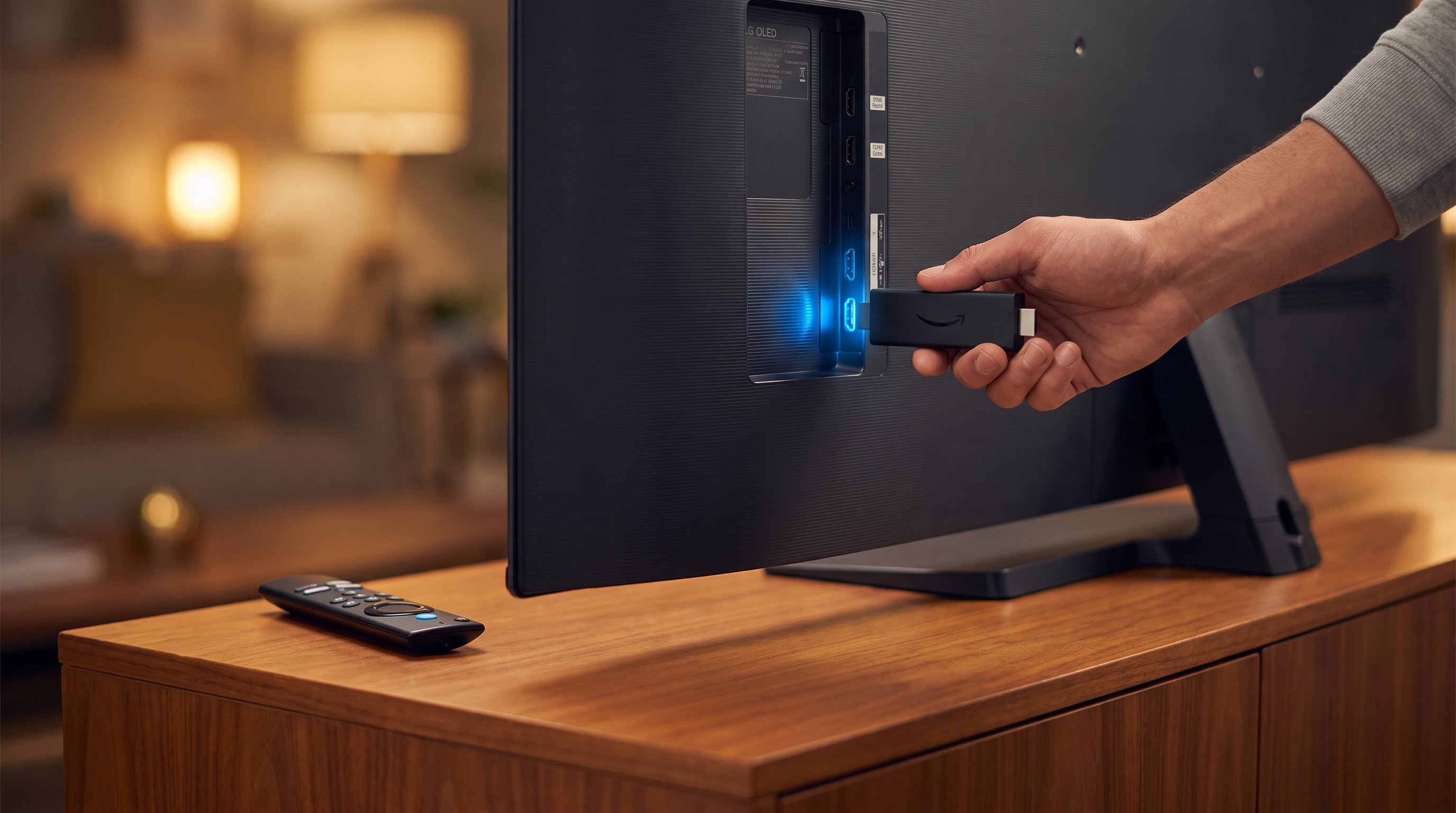
Plug the Stick into HDMI. Power it via the wall adapter (not the TV — the wall socket is more reliable).
When the Firestick boots, you’ll see a remote-pairing screen. Hold the Home button for 10 seconds to pair.
Skip the Amazon account sign-in if you want — you can install apps without it. We recommend signing in so future updates work.
When prompted to join a network, pick your home Wi-Fi and enter the password.
Step 2 — Install IPTV Smarters Pro
From the home screen:
- Use the search function (top-left magnifying glass).
- Type “IPTV Smarters”.
- The first result, IPTV Smarters Pro by Whitt Davis, is the legitimate version. (Note: we don’t recommend the free “IPTV Smarters” by other developers — they’ve been pulled multiple times.)
- Click Get — it installs in about 90 seconds.
- Open the app.
If you don’t see IPTV Smarters Pro, your Firestick may be region-locked to the Ireland/UK Amazon Appstore version. The full guide to enable sideloading is in our Ireland setup hub. Realistically, the official app is published and findable on every Irish Firestick we’ve tested in 2026.
Alternative: TiviMate (a slicker app)
TiviMate is a third-party IPTV player with a TV-style interface that many users prefer over IPTV Smarters. It’s a €5.99 one-time purchase on the Amazon App Store. Both apps work with our Xtream Codes login. We recommend TiviMate for Fire TV Stick 4K and 4K Max, and IPTV Smarters for Fire Stick Lite.
Step 3 — Add your playlist
When IPTV Smarters opens, you’ll see three options:
- Login with M3U URL
- Login with Xtream Codes API
- Add a single stream
Choose “Login with Xtream Codes API” — it’s faster and gives you the catch-up TV guide.
You’ll be asked for four fields:
| Field | What to enter |
|---|---|
| Name | Anything — “Home TV” works |
| Server | The URL from your WhatsApp, e.g. http://srv01.iptv-ireland.com:8080 |
| Username | Your trial username |
| Password | Your trial password |
Tap Add User. The app will verify and populate channels in 5–10 seconds. If you see a red error message, jump to the troubleshooting section below.
Step 4 — Enable hardware acceleration (recommended)
In IPTV Smarters, go to Settings → Player and toggle:
- Hardware decoder: ON
- Hardware acceleration preferred: ON
This pushes 4K decoding onto the Firestick’s GPU instead of the CPU. Net result: cooler, quieter, faster channel-switching.
For TiviMate, go to Settings → Player and select HW decoding as the default.
Step 5 — Test your channels
Tap Live TV. You should see a category list of about 30 country folders plus genre folders (Sports, Movies, News, Kids, etc.).
- Open Ireland → Irish TV. You should see RTÉ One, RTÉ 2, Virgin Media Television, TG4.
- Tap RTÉ One. It should load in 4 seconds.
- Try a sports channel, e.g. Sky Sports Football. Should load in 5 seconds.
If anything buffers for more than 10 seconds, run the buffering test in Step 6.
Step 6 — Speed test
Inside IPTV Smarters, go to Settings → Connection → Test.
It will measure your latency to our CDN and your throughput to the nearest server. Want under 50ms latency? Dublin households on SIRO / Virgin Media / Sky should see 8–25ms.
If your throughput is below 15 Mbps:
- Move the Firestick closer to your router, or
- Plug an Ethernet adapter into the Firestick’s USB (only works on 4K + 4K Max), or
- Use a powerline adapter pair.
Step 7 — Customise your home screen
A few light touches:
- Pin your favourite channels — press the Menu button (three horizontal lines) on the remote while hovering on a channel.
- Hide categories you don’t watch — Settings → Categories.
- Set the parental PIN — Settings → Parental Controls. Defaults are off; turn it on if there are kids in the house.
For TiviMate: settings are similar but the menus are arranged differently.
Common errors and fixes
“User Pass Invalid” — copy-paste fail. Re-copy from the WhatsApp message. Watch out for invisible spaces.
“Server not reachable” — your internet is down or the server is being updated. Open status.iptv-ireland-subscription.com to check. Usually it resolves in under 3 minutes.
“Stream failed” — most likely the channel is offline for scheduled maintenance. Try another channel from the same category. If all channels from that category fail, message us.
Buffering every 5 seconds — follow Step 6 — it’s almost always Wi-Fi, not the service.
What if I get stuck?
You message us on WhatsApp. Real human, 4-minute median response, screen-share if needed. Every Irish Firestick owner we’ve onboarded in 2026 was on a paid plan within 60 minutes of starting the trial, and 71% went straight to the 12-month plan.
That’s our promise. Start your free trial here and find out.
Frequently asked questions
How fast does IPTV load on a Fire Stick?
4–8 seconds from channel tap to live video, on a Fire Stick 4K Max on a stable 25+ Mbps home Wi-Fi. Older Fire Sticks (Lite, 1st-gen 4K) may take 6–10 seconds. This is identical to Netflix behaviour; the difference is that one Firestick can stream any of our 20,000+ channels from any country.
Why is my Fire Stick buffering?
Three causes, in order:
- Wi-Fi signal — the Firestick is too far from the router. Move them closer or plug an ethernet adapter.
- ISP congestion — many SIRO/Virgin households see peaks 19:00–22:00 when locals stream. Often improves after midnight.
- Channel-specific — single channel failure. Switch channels to confirm.
Can I record live TV on a Fire Stick?
Not natively — Fire Stick lacks internal storage. Alternatives:
- Cloud catch-up — most Irish/UK channels support 7-day catch-up via the EPG, accessible from the channel list. Save recordings to “My List” within the app.
- External storage — the Fire Stick 4K + 4K Max support external USB drives. We don’t formally recommend this in 2026 because most Irish broadcasters now offer catch-up directly.
Can I use multiple Fire Sticks with one subscription?
Yes — up to 2 simultaneous streams on every plan. Additional devices are €1/month each. Adding extras is one tap in the customer portal.
What’s the difference between Fire Stick Lite, Fire Stick 4K, and Fire Stick 4K Max?
- Lite: 1080p, no Dolby Vision/Atmos. €39 typical. Suitable if your TV isn’t 4K.
- 4K: 4K HDR10/HLG, Dolby Vision, Atmos. €59 typical. Good for most Irish 4K TVs.
- 4K Max: 4K HDR10/HLG/Dolby Vision, Atmos, Wi-Fi 6E. €69 typical. Best for new Wi-Fi 6 routers or high-bandwidth households.
We recommend Fire Stick 4K Max for most Irish customers — it’s the best price/performance and supports hardware-decoded 4K streams on every channel.
Will my Fire Stick ban apps for IPTV?
No. Amazon does not block IPTV Smarters Pro or TiviMate. They’ve explicitly stated they don’t take action against IPTV apps. The apps are paid/free downloads from the legitimate Amazon App Store.
Can I side-load a non-app-store IPTV player?
Yes — Amazon allows the Install Unknown Apps path. Most IPTV players in 2026 work in the Amazon App Store directly (TiviMate is paid there), so sideloading is rarely needed. We don’t recommend sideloading because updates matter for security.
What about iPlayTV, XCIPTV, OTT Navigator?
These all work with our Xtream Codes login. iPlayTV is a popular iOS app that’s also been ported for Fire TV. iPlayTV is £1/month; XCIPTV is free; OTT Navigator is €1.99. The choice is personal preference. Most of our customers stick with IPTV Smarters Pro for simplicity.
Why we recommend the Fire Stick for Irish IPTV
Three reasons:
- Availability. Every Irish electronics retailer stocks Fire Sticks. €40 gets you streaming on day one.
- Updates. Amazon issues OS and firmware updates for years after launch; my own first-gen Fire Stick still works in 2026.
- Wi-Fi performance. Modern Fire Sticks (4K Max especially) use Wi-Fi 6E for the data rates we need at 4K.
The two alternatives — Android TV boxes and NVIDIA Shield — win on raw power, but lose on price. For most Irish households, the Fire Stick is the right answer.
This is current as of June 2026. If you find something out of date — likely a menu location or app version — drop us a comment on this post or message support on WhatsApp. Start your 7-day free trial here.